Added
Follow what ships on the public changelog
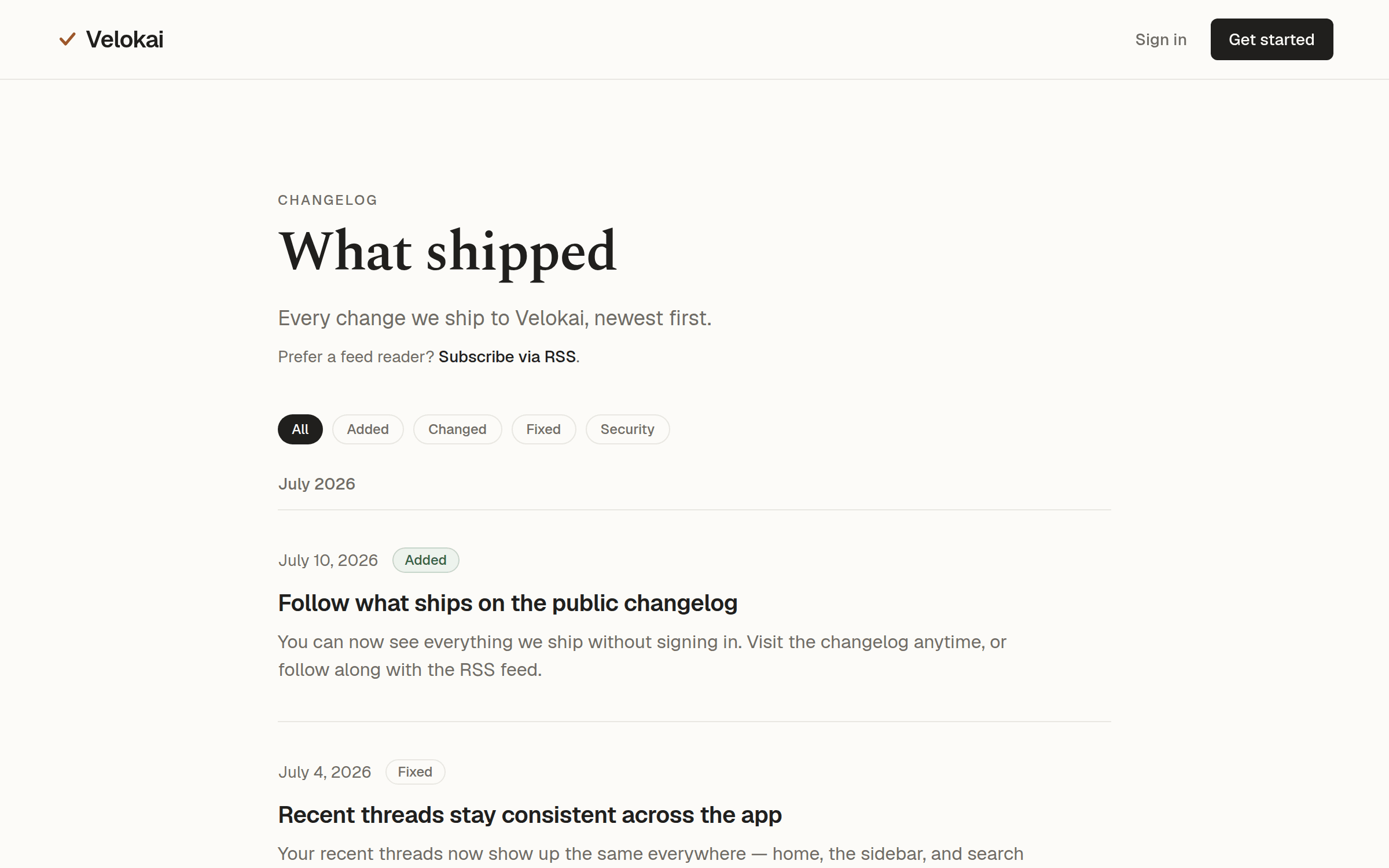
You can now see everything we ship without signing in. Visit the changelog anytime, or follow along with the RSS feed.
Changelog
Every change we ship to Velokai, newest first.
Prefer a feed reader? Subscribe via RSS.
You can now see everything we ship without signing in. Visit the changelog anytime, or follow along with the RSS feed.
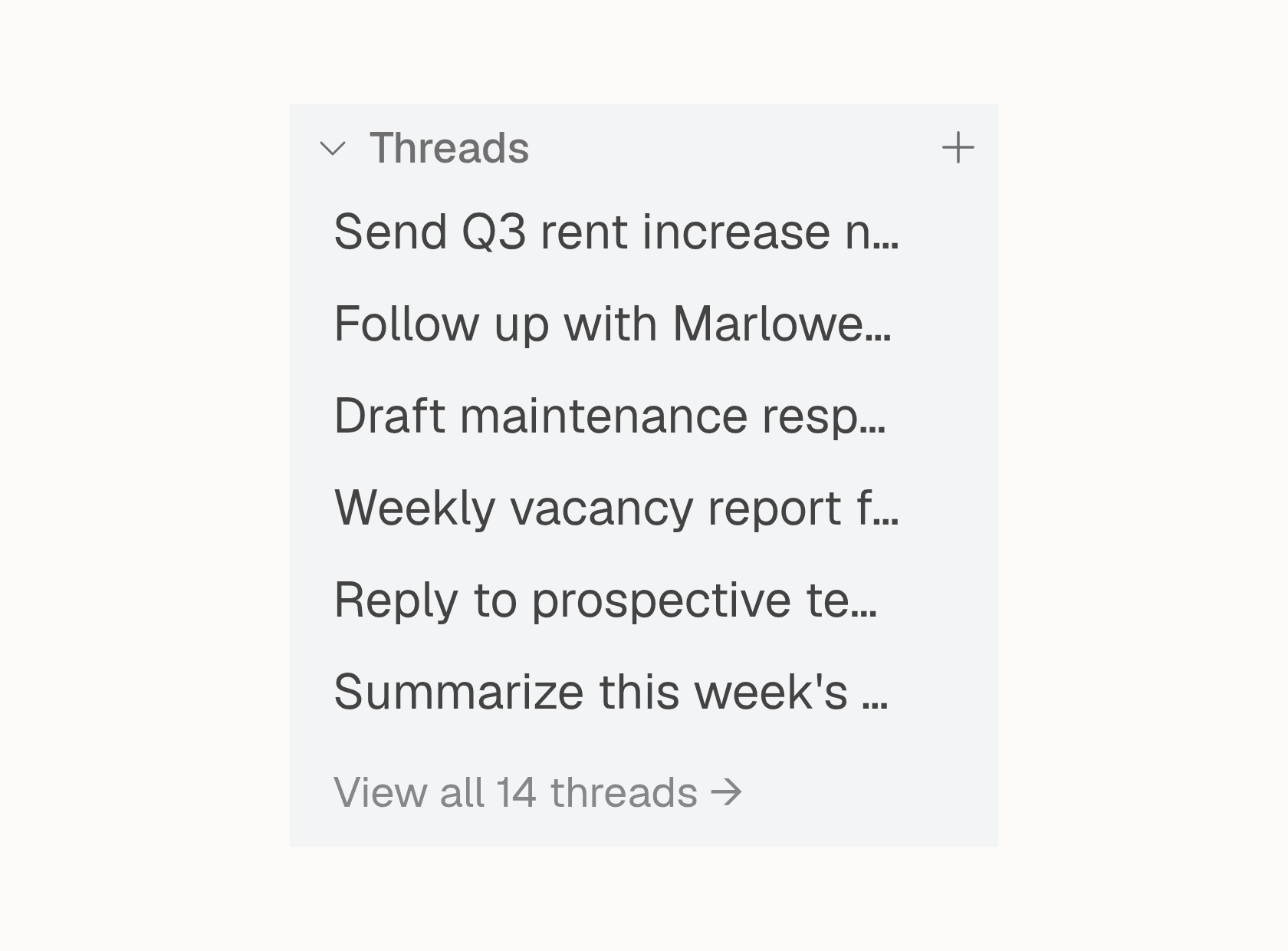
Your recent threads now show up the same everywhere — home, the sidebar, and search always agree. If they take a moment to load you’ll see them filling in, and if something goes wrong you get a clear way to try again instead of an empty screen.
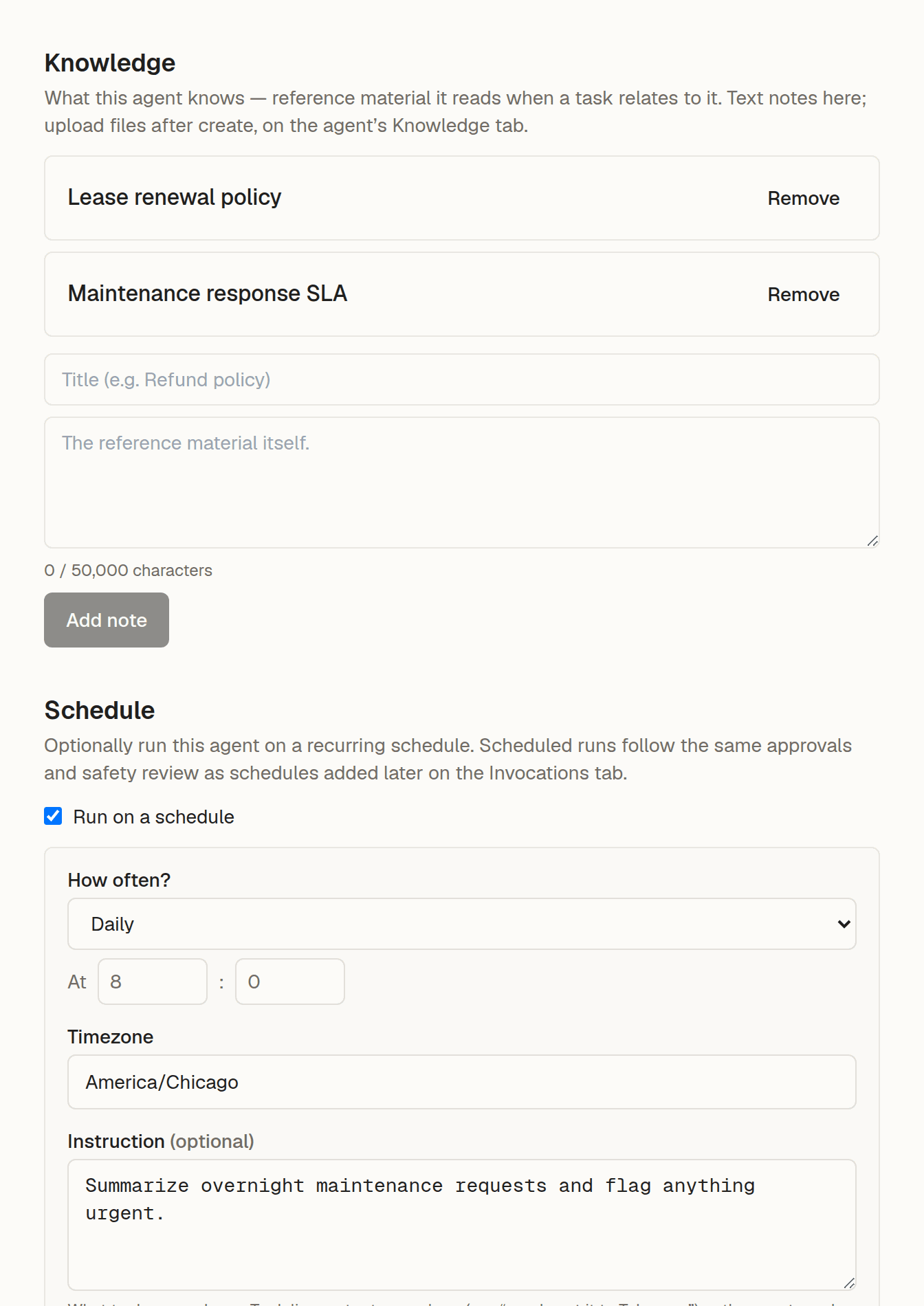
When you create an agent, you can now add knowledge notes for it to use and set up its first run schedule — all in the same step. If a note or the schedule can’t be saved, your agent is still created, with a clear warning about what to redo. You can add files afterward on the agent’s Knowledge tab.
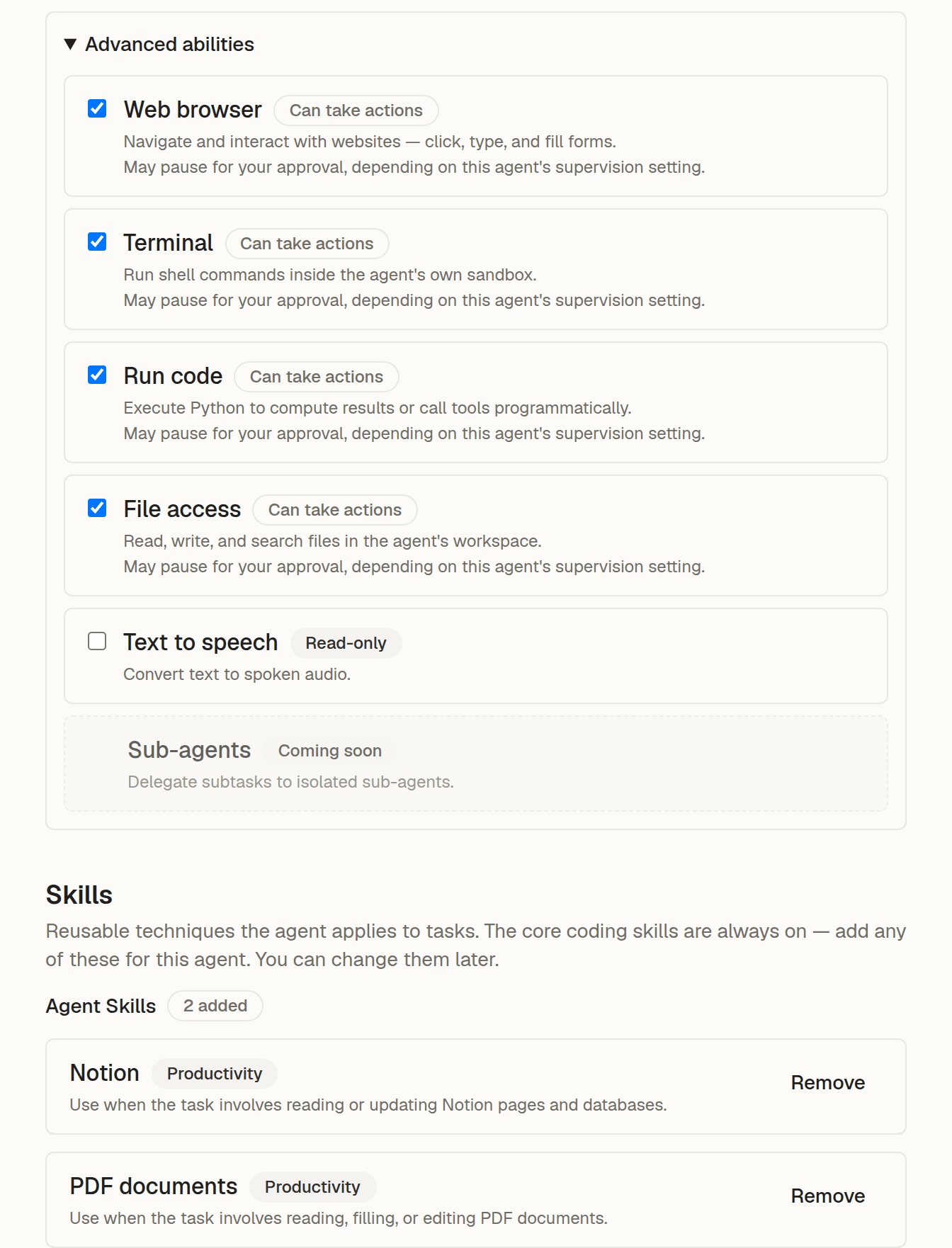
Choose which tools and skills your agent can use right when you create it, not just after. Every built-in tool is turned on by default, so turn off anything you don’t want it to use, and add any skills it needs before saving. You can change all of this later on the agent’s Tools and Skills tabs.
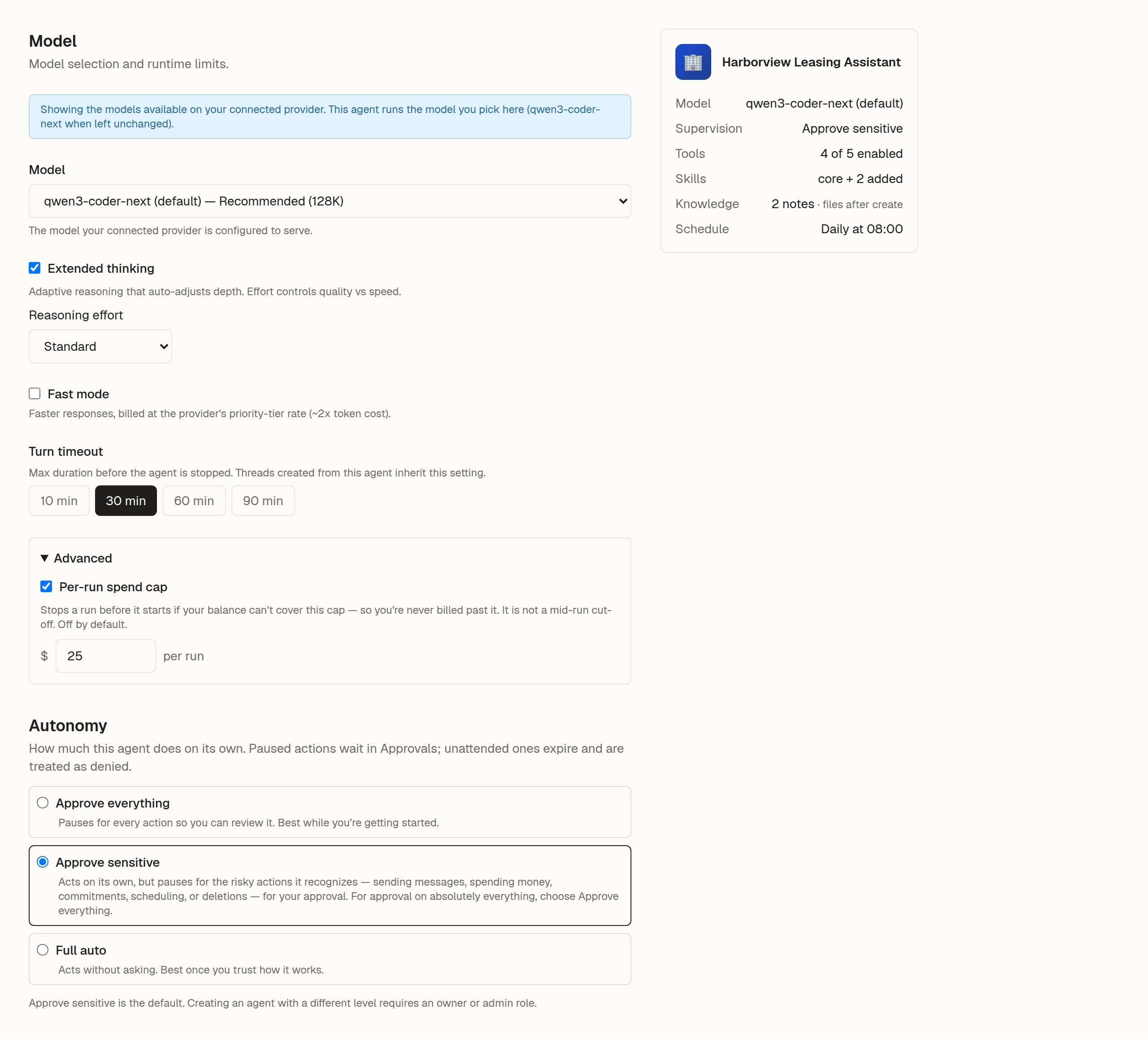
When you create an agent, you can now choose which model it uses, set a spending cap and time limit for each run, and decide how independently it can act — all in the same step, before you save. You can change any of this later on the agent’s configuration tabs.
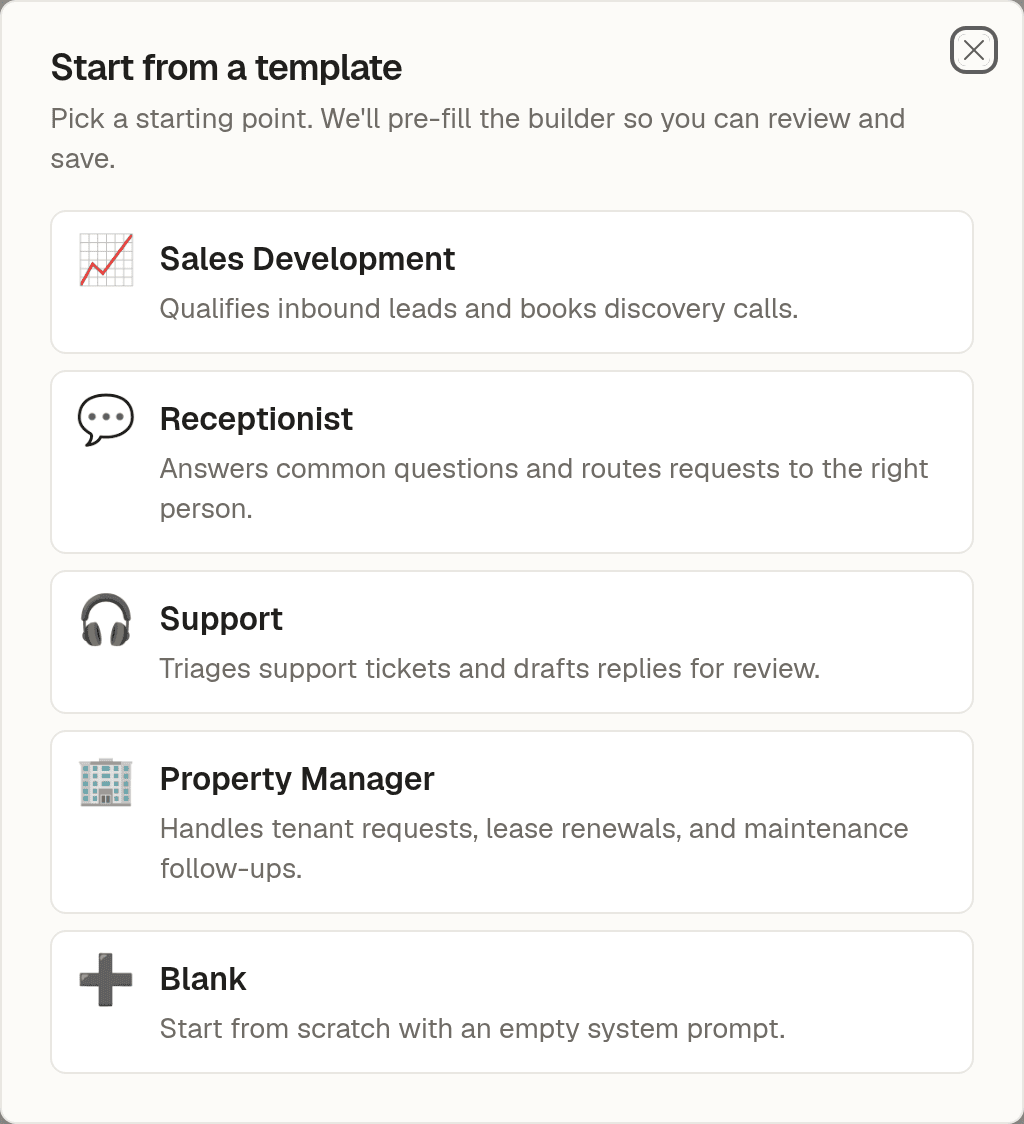
The "New agent" menu now includes ready-made templates — Sales Development, Receptionist, Support, Property Manager, or a blank start. Pick one and the builder opens pre-filled with a name, description, and a first draft of the system prompt, which you can edit before saving.
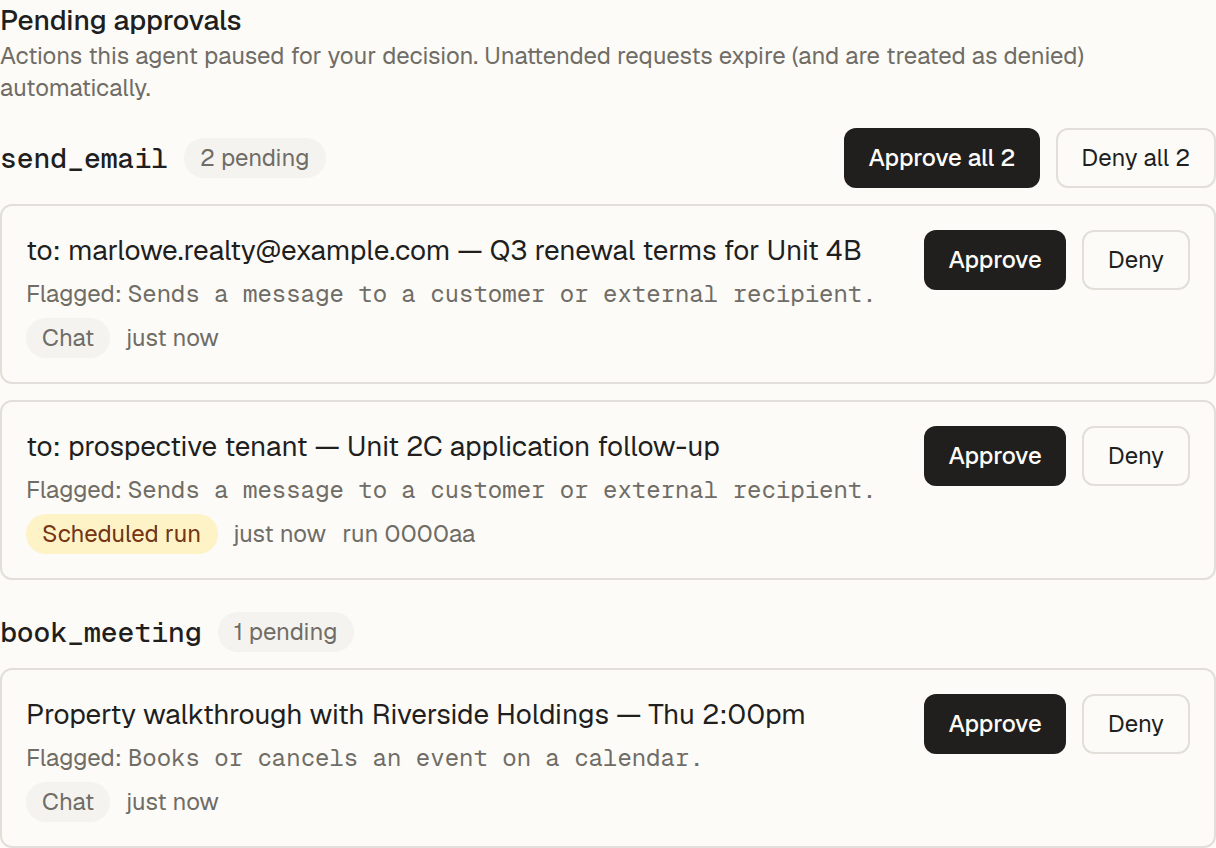
Your pending approvals now group by action and show when and where each one came from, so you can tell them apart. A link in an approval email takes you straight to that request, and approving or denying gives you a clear confirmation — including an honest note when a run has already ended.
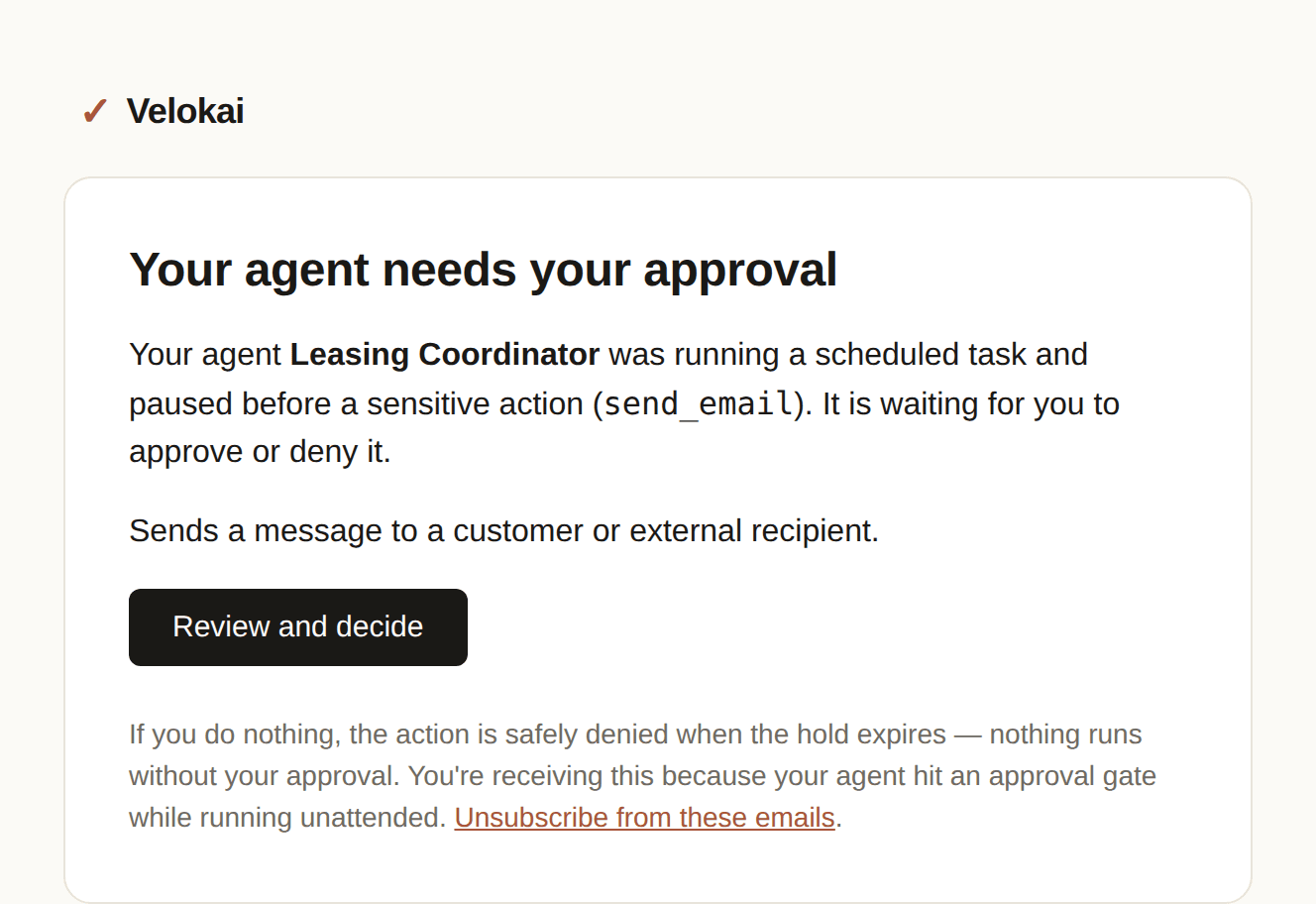
When an agent running on a schedule pauses to ask for approval while you are away, we now email the account owner a link to review it and approve or decline. If no one answers, the action is declined rather than run on its own. You can turn these emails off in notification settings.
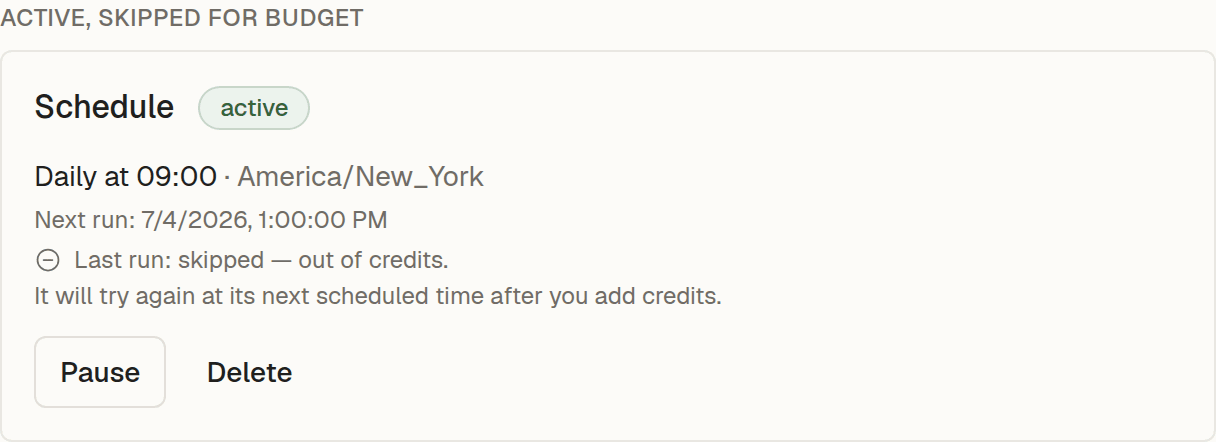
Each agent now has a schedule card showing its cadence, next run time, and how the last run went. You can pause, resume, or delete a schedule from there. A run skipped because the account was out of credits says so plainly.
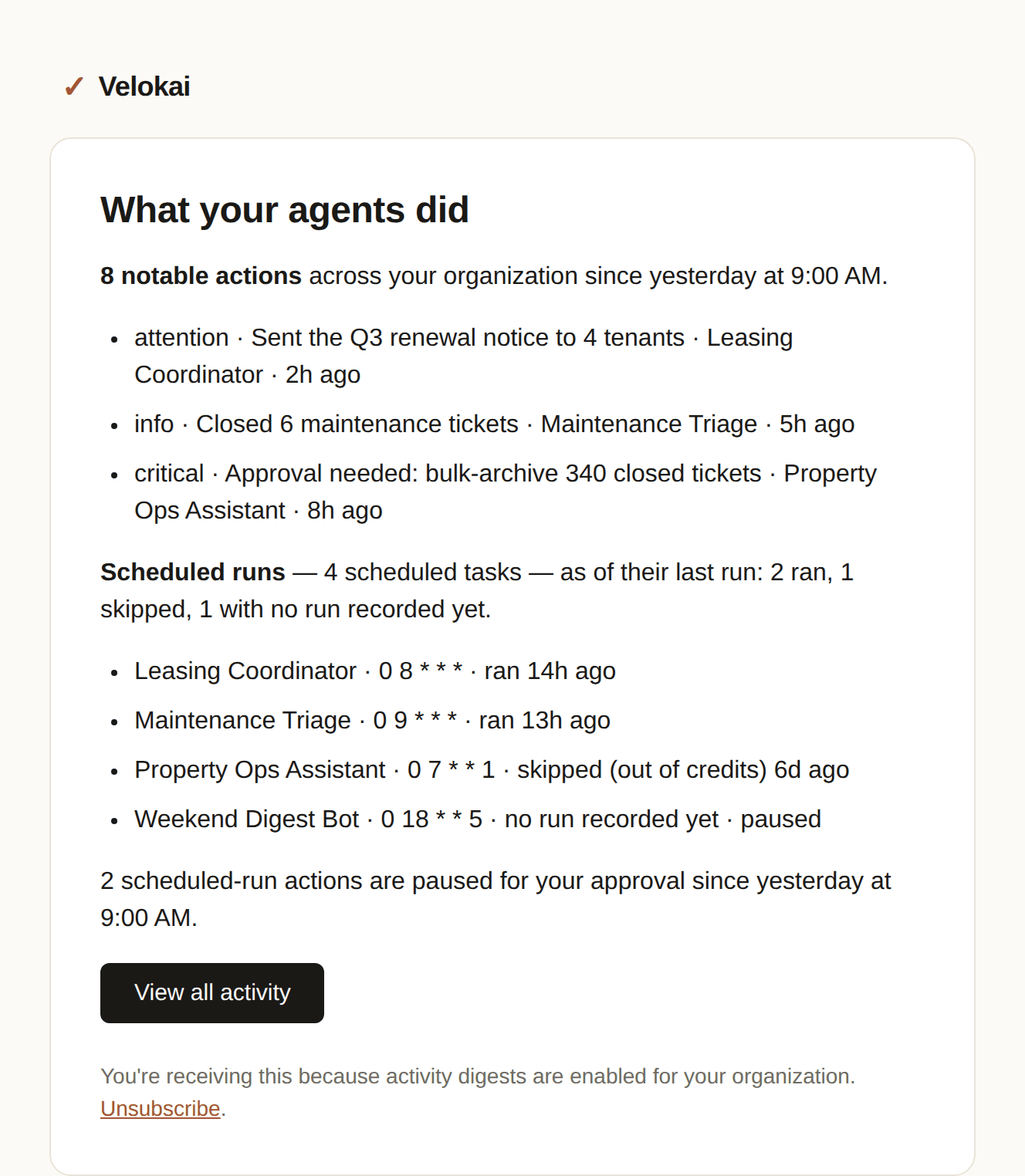
Your activity digest email now includes a scheduled-runs summary: how each schedule’s last run went, and how many runs paused for your approval since the previous digest.
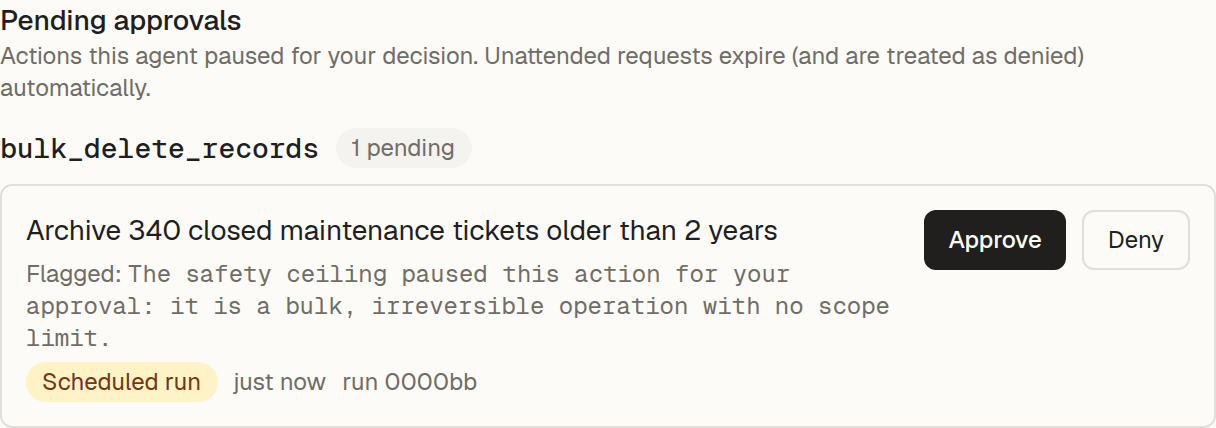
Agents working on their own now pause and check with you before doing anything that deletes a lot at once or costs more than expected. This protection is on automatically — there’s nothing to turn on.